¶ Set up Coalition Communications and Discord
¶ Why Do These Steps?
Having these communications channels available allows us to run joint operations with our friends in our region safely, in a way that ensures only authorized members are present.
¶ Set up The Emberline Pact Auth
¶ Navigate to https://coalition-seat.grumbl.ing/home
This is the website you will need to be authorized on in order to join our coalitions discord and other fleet like activities. Follow the website above and register your character as you would in Navy Auth.
¶ Set up Coalition Discord
NOTE: This step is optional for members and they are welcome to mute it. Any coordinated operations within our region will be communicated by NAVY FCs.
¶ Navigate to: https://coalition-seat.grumbl.ing/home
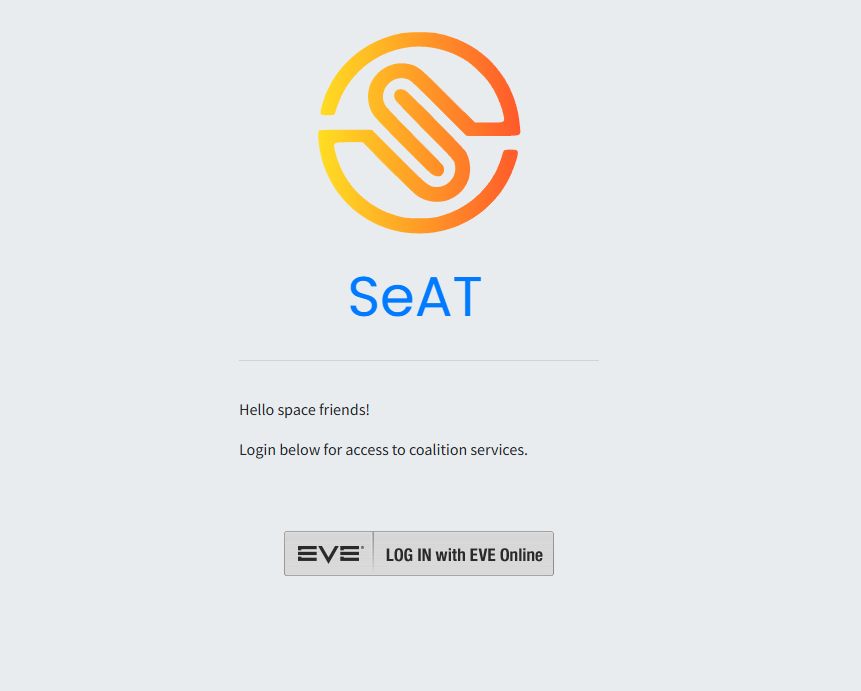
You should see a page that looks like this.
Click on the Log in to EVE Online button in top-right as highlighted in the image above.
¶ Log in with your Eve Online credentials
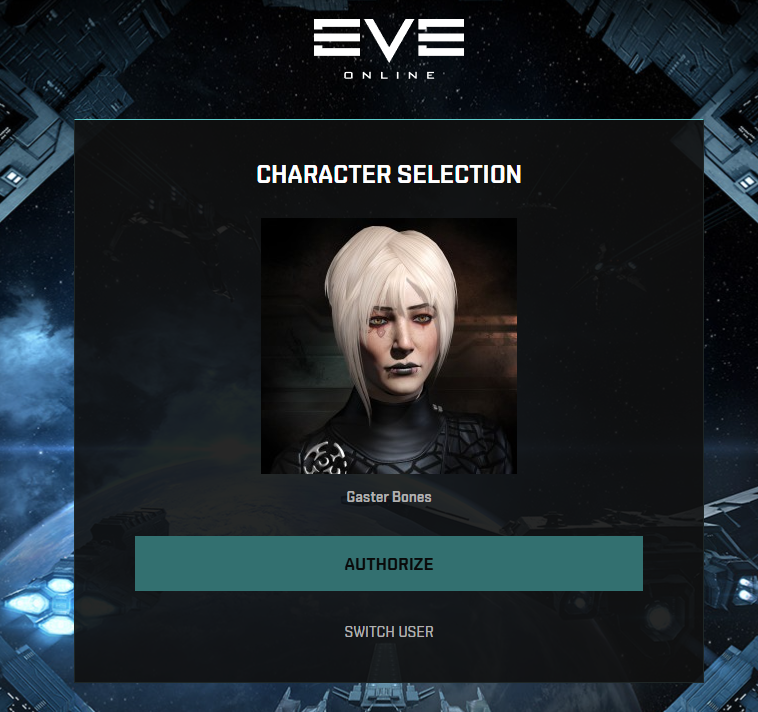
You should see an Eve Online login similar to the one below. If you play Eve through Steam, click on the green Steam logo in the bottom right corner to log into your Steam, and associated Eve, account.
¶ Authorize your main character
Select your main character's avatar (the page will highlight it with a box around your avatar).
Then select “Authorize”.
Note: Many new players to EVE are surprised at the level of details we get when you “Authorize” us to see the information. First, bear in mind that we do not receive any of your out-of-game information. This Single-Sign-On ("SSO") is directly from the game developer's website. You can find out more information about the SSO here. Additionally, you can revoke the authorization at any time, also through the game developer's website, although you will also lose access to our Discord.
The “SSO” authorization and the in-game data you provide us allows us to track and weed out spies and thieves. It is also the standard operating procedure for virtually every reputable organization in the game.
After logging in, you will be returned to the main page.
¶ Go to the “Identities" page (https://coalition-seat.grumbl.ing/seat-connector/identities)
Follow the link above and you should see a page like the image below.
This is found on the gray side bar on the home page under “Connector, see image below for reference:
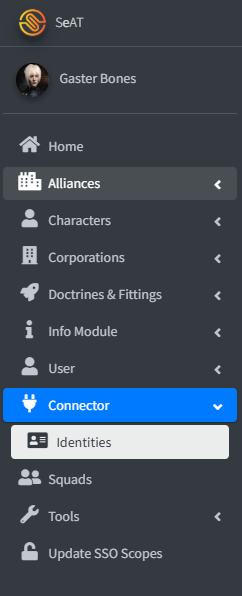
Click the “Join Server” option to then register your discord account and get connected into the server.
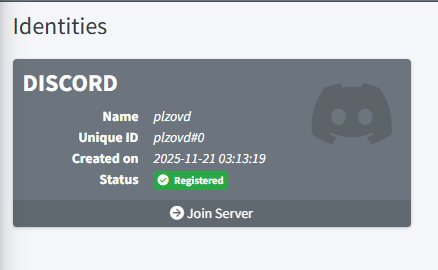
Click Authorize in the screen
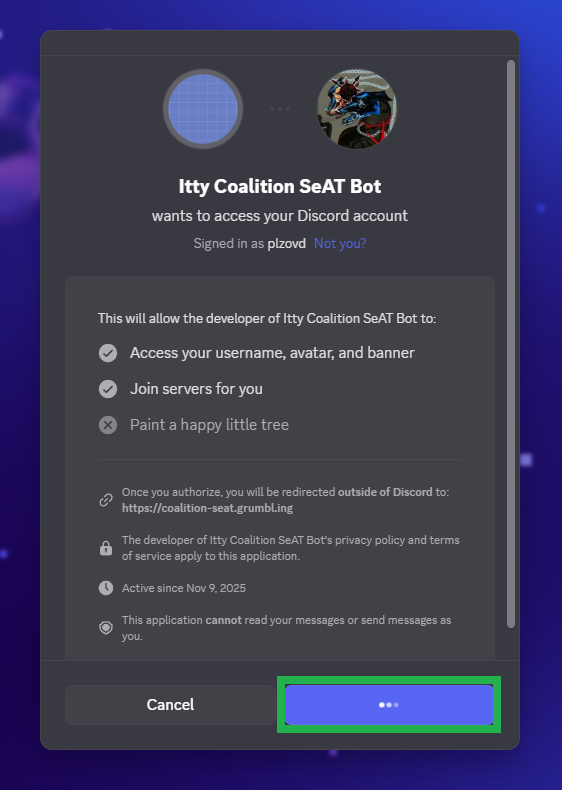
Click on Join Sever button under your registered account
You're done!